Instagram Wrapped 2026: How to See Your Instagram Stats and Year in Review
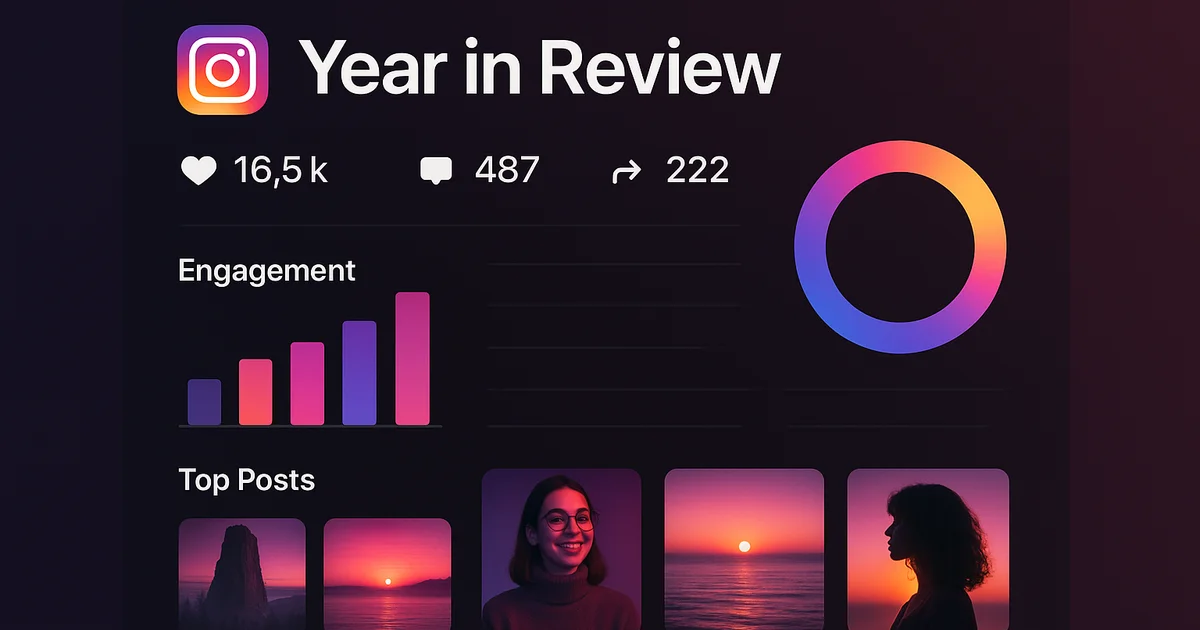
Instagram does not have an official "Wrapped" or "Year in Review" feature like Spotify. However, you can see your Instagram stats through Instagram Insights (for Professional accounts), third-party analytics tools, and Instagram's Data Download feature. Here is how to get your own Instagram Wrapped experience in 2026.
Does Instagram Have a Wrapped Feature?
No. Despite the massive popularity of Spotify Wrapped, Instagram has never released an equivalent feature. There is no native way to see a summary of your most-liked posts, total engagement, or year-in-review statistics through the Instagram app.
People search for "Instagram Wrapped" tens of thousands of times every month, especially at the end of the year. The demand is clearly there, but Instagram has not delivered.
How to See Your Instagram Stats in 2026
Even without an official Wrapped feature, there are several ways to access your Instagram statistics.
Method 1: Instagram Insights (Professional Accounts)
If you have a Professional account (Creator or Business), Instagram Insights provides detailed analytics:
How to access:
- Go to your profile
- Tap the Insights button (or go to Menu > Insights)
- Browse your stats by time period
What you can see:
- Accounts reached (total and trend)
- Accounts engaged (likes, comments, shares, saves)
- Total followers and growth over time
- Follower demographics (age, gender, location)
- Best performing posts, Reels, and Stories
- Best posting times based on follower activity
Limitations:
- Only shows data for the last 90 days (not a full year)
- Only available for Professional accounts (free to switch)
- Does not provide a Wrapped-style visual summary
How to switch to a Professional account:
- Go to Settings > Account
- Tap Switch to Professional Account
- Choose Creator or Business
- Select your category
- It is free, and you can switch back anytime
Method 2: Download Your Instagram Data
Instagram lets you download a complete archive of your data, which includes much more than Insights:
How to download:
- Go to Settings > Privacy and security
- Tap Download your data
- Enter your email address
- Choose format (HTML for readable, JSON for data analysis)
- Wait for Instagram to prepare your data (can take up to 48 hours)
What the download includes:
- Every post you have ever made (with dates)
- All comments you have left
- All likes you have given
- Your complete search history
- DM history (text only for the download)
- Login history
- Ad interests Instagram has assigned to you
With this data, you can manually create your own Wrapped experience by analyzing your most active months, most-liked posts, and engagement patterns.
Method 3: Third-Party Analytics Tools
Several third-party tools offer Instagram analytics that go beyond what Insights provides:
What they typically offer:
- Year-long trend analysis
- Best and worst performing content
- Optimal posting times
- Hashtag performance
- Follower growth charts
- Engagement rate calculations
When choosing a third-party tool, only use ones that connect through Instagram's official API (requiring you to log in through Instagram, not by giving them your password directly).
Try Lurk free
See who anyone just followed, instantly, anonymously.
How to Create Your Own Instagram Wrapped
Here is a DIY approach to creating your own year-in-review:
Step 1: Gather Your Top Posts
Go to your profile and sort through your posts from the past year. Note which ones got the most likes, comments, and saves. Instagram Insights shows this data if you have a Professional account.
Step 2: Calculate Your Engagement Rate
Engagement rate = (likes + comments) / followers x 100
Check this for each month to see your engagement trend over the year.
Step 3: Track Your Follower Growth
If you have been using Instagram Insights, you can see your follower growth over the past 90 days. For longer periods, you would need to have been recording this data manually or using a third-party tool.
Step 4: Identify Your Most Active Month
Review your posting frequency by month. Which month did you post the most? Which had the best engagement?
Step 5: Find Your Top Hashtags
If you use hashtags, identify which ones drove the most discovery (visible in Insights for each post).
What About Tracking Other People's Stats?
While you can see your own stats through the methods above, you cannot see another person's detailed analytics. However, you can track publicly visible changes:
- Follow activity: Track who any public account follows and unfollows with Lurk. This shows their evolving interests and connections.
- Posting patterns: You can manually observe how often they post and what types of content they share.
- Engagement trends: Public like and comment counts on their posts are visible.
For automated follow tracking, which reveals who someone is connecting with over time, read our complete follow tracking guide.
Will Instagram Ever Release a Wrapped Feature?
There are recurring rumors about Instagram developing a year-in-review feature, but nothing has been confirmed. Meta has focused Instagram's development on Reels, shopping features, and AI tools rather than retrospective analytics.
In the meantime, tools like Lurk provide ongoing analytics for tracking public Instagram activity, and Instagram Insights gives creators the data they need to understand their own performance.
The Bottom Line
Instagram Wrapped does not exist as an official feature, but you can create your own year-in-review by using Instagram Insights (switch to a Professional account for free), downloading your data archive, or using third-party analytics tools. For tracking other people's Instagram activity over time, Lurk provides real-time follow monitoring for any public account. Visit our FAQ page for more Instagram questions and answers.
Ready to try Lurk?
See who anyone just followed on Instagram, 100% anonymous, no login required.
Instagram never tells them their following list was viewed.


Keep reading
IGDetective Alternative: See the Dated Recent Follows for $1 (2026)
IGDetective is a real no-login Instagram tracker, but the dated recent-follow data sits behind Premium at from $1 a day billed monthly. Here is what its free tier withholds, an honest price comparison, and how to see real names for $1 first.
Is RecentFollow Legit? What Their Site Does and Does Not Tell You (2026 Review)
RecentFollow is a real no-login Instagram follow checker, but pricing only appears after signup and plans bill quarterly. Here is what we could verify, what to check before paying, and how it compares to a ~$1/week alternative.
DolphinRadar Review 2026: Is It Legit? I Paid and Tracked 3 Accounts for a Month
Is DolphinRadar legit or a scam? We paid, tracked three real accounts for four weeks, and compared it to four rivals. It is real, but the no-app, dashboard-only design is why I did not keep it. Full 2026 review.
Compare the best Instagram tools (2026)
Independent, regularly-updated rankings, plus the original follow-behavior dataset.
- Best Apps to See Who Someone Recently Followed on Instagram (2026)
- Best Anonymous Instagram Story Viewers (2026)
- Best Instagram Follow Trackers (2026)
- How to See Who Someone Unfollowed on Instagram (2026)
- Best The Ick Alternatives in 2026 (Free & Cheaper Options)
- Best Free Instagram Story Viewers (Anonymous, No Login), 2026
- Best Snoopreport Alternatives in 2026 (Cheaper & Cross-Platform)
- Best DolphinRadar Alternatives in 2026 (With Mobile Apps)
- Best Katch Alternatives in 2026 (Cheaper, With an iPhone App)
- Best Instagram Activity Trackers (2026)
- The Best Way to See Who Someone Unfollowed on Instagram (2026)
- Best Free Instagram Follower Trackers (2026, Honest Guide)
- Best Apps to Track a Specific Instagram Account (2026)
- Best Anonymous Instagram Follower Trackers (2026)
- The Lurk Instagram Follow Index (original data)
- All Instagram tool roundups →
See who any account recently followed
Track any Instagram account and see exactly who they recently followed, anonymously and with no login.
Keep exploring
More free Instagram tools, live data, and answers from Lurk.
- HubInstagram questions & answersStraight answers to the questions people ask most about Instagram.
- HubInstagram terms glossaryPlain definitions for Instagram tracking and privacy terms.
- HubFree Instagram toolsEvery free Lurk tool in one place: viewers, trackers, and checks.
- Live dataThe Instagram Follow IndexLive aggregate data on how people follow and unfollow on Instagram.
- CompareCompare follow trackersLurk vs The Ick, Snoopreport, and Katch, side by side.
- Free toolAnonymous Instagram profile viewerSee any public Instagram profile without them ever knowing it was you.