Instagram Edits App: 11 New Features in March 2026 (Freeze Frame, AI Effects, and More)
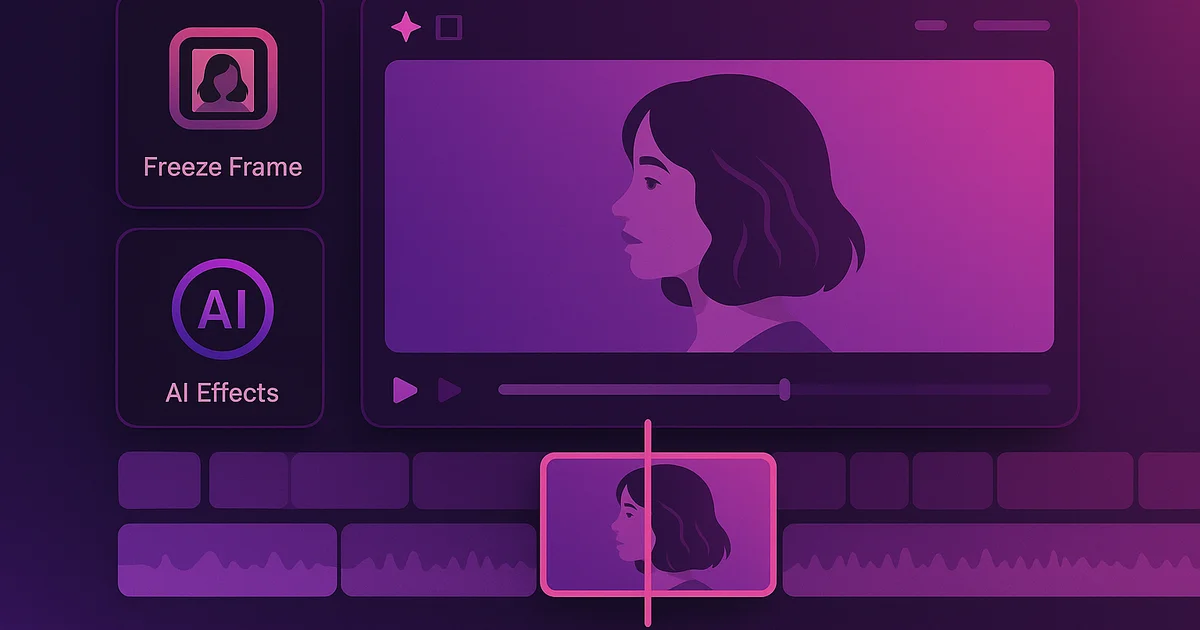
Instagram Edits, the standalone video editing app launched by Instagram in March 2025, just received its biggest update yet with 11 new features. The March 2026 update includes Freeze Frame, AI-powered visual effects, a voiceover teleprompter, enhanced audio tools, and several quality-of-life improvements that make it a serious competitor to CapCut and other editing apps.
---
All 11 New Features in the March 2026 Update
Here is the complete list of new features Instagram added to Edits this week.
1. Freeze Frame
Freeze Frame lets you pause any moment in your video and hold it as a still image for a custom duration. This is a popular editing technique used for comedic timing, dramatic emphasis, or transitional effects.
How it works:
- Scrub to the exact frame you want to freeze
- Tap the new Freeze Frame button in the timeline
- Set the duration (0.5 seconds to 5 seconds)
- The frozen frame is inserted directly into your timeline
Previously, you needed a desktop editor like Premiere Pro or a third-party app to achieve this effect. Now it is built directly into Edits.
2. AI Visual Effects
Instagram has added a suite of AI-powered visual effects that can transform the look of your video in real time. These are not simple filters but actual style transfer effects that use machine learning.
Available AI effects include:
- Sketch: Converts your video to an animated pencil sketch
- Watercolor: Applies a watercolor painting style
- Neon: Adds neon light outlines to subjects
- Vintage Film: Simulates specific film stock looks (not just a color overlay)
- Anime: Converts footage to an anime-inspired style
Each effect can be applied to specific clips or your entire timeline, and intensity is adjustable.
3. Voiceover Teleprompter
The new teleprompter feature displays scrolling text while you record a voiceover. You write or paste your script, set the scroll speed, and the text scrolls across the screen while you record audio.
This solves a real problem for creators who do voiceover content. Previously, you had to memorize your script, read from a separate device, or use a dedicated teleprompter app.
4. Enhanced Audio Ducking
Audio ducking automatically lowers background music volume when voiceover or dialogue is detected. This feature existed before, but the March 2026 update makes it significantly smarter with better detection of speech versus music.
5. Multi-Track Audio Timeline
You can now work with up to four separate audio tracks simultaneously. This means you can layer background music, sound effects, voiceover, and original video audio independently.
6. Keyframe Animation for Text
Text overlays now support keyframe animation. You can set position, size, rotation, and opacity at different points in the timeline, and the text smoothly animates between keyframes.
7. Speed Ramping Curves
The speed adjustment tool now includes curve-based speed ramping. Instead of just choosing a flat speed (0.5x, 2x, etc.), you can draw a custom speed curve that smoothly accelerates and decelerates within a single clip.
8. Batch Export Presets
You can save export settings as presets and apply them to future projects. If you always export at specific resolutions or quality settings, this saves time.
9. Project Templates
Edits now lets you save a project structure as a template. Your cuts, effects, text positions, and audio setup are preserved, but the video clips can be swapped. This is useful for creators who produce recurring content with a consistent format.
10. Improved Color Grading
The color grading tools now include a full color wheel, curves adjustment, and HSL (Hue, Saturation, Luminance) sliders. This brings Edits closer to professional color grading tools.
11. Collaboration Features
You can now share an Edits project with another Instagram account for collaborative editing. Both users can make changes, and version history tracks who changed what.
Why This Matters for Creators
Instagram is clearly positioning Edits as a one-stop solution for Reels creation. Every feature in this update addresses a gap that previously required creators to use CapCut, Adobe Premiere Rush, or other third-party tools.
The AI effects in particular are notable because they work natively within the Instagram ecosystem. Content created in Edits gets preferential treatment in the Reels algorithm, according to multiple creator reports. If you are serious about Instagram growth, using Instagram's own tools may give you an algorithmic advantage.
Try Lurk free
See who anyone just followed, instantly, anonymously.
How Edits Connects to Your Instagram Strategy
If you are monitoring competitors or tracking influencers in your niche, understanding what tools they use matters. Many top creators have already switched to Edits, and the new features will likely accelerate that trend.
You can track when accounts you monitor start posting more Reels (which may indicate they adopted Edits) by watching their posting patterns. Tools like Lurk let you monitor any public account's activity, including who they follow, which often reveals new collaborations and creative partnerships.
For creators looking to grow their audience, check out our guide on the best time to post on Instagram in 2026 and our organic growth strategies.
How to Get the Update
The new features are rolling out this week via an update to the Instagram Edits app:
- Open the App Store (iOS) or Google Play Store (Android)
- Search for "Instagram Edits"
- Tap Update
- Open the app and the new features will be available
If you do not see the update yet, it may not have reached your region. Instagram typically completes global rollouts within one to two weeks.
The Bottom Line
Instagram Edits is no longer just a basic video trimming tool. With Freeze Frame, AI effects, multi-track audio, speed ramping, and collaboration features, it is becoming a legitimate video editing solution. Creators who invest time in learning these tools will likely see better performance on Reels, which remains Instagram's fastest-growing content format.
Ready to try Lurk?
See who anyone just followed on Instagram, 100% anonymous, no login required.
Instagram never tells them their following list was viewed.
Keep reading
Katch App Alternative 2026: Same Instagram Follow Alerts at a Fraction of the Price
Katch tracks follows and stories on Android and the web, but it costs several times more and has no iPhone app. Lurk does the same tracking with a free instant browser check, no login, entry around a dollar a week.
Taylor Frankie Paul Is the New Bachelorette 2026 — Her Instagram Tells the Whole Story
Taylor Frankie Paul was just announced as the Bachelorette 2026. Here's who she follows, who she unfollowed, and how to track her Instagram in real-time with Lurk.
The 'Does He... I Do' Instagram Trend Explained (March 2026)
The 'Does he... I do' trend is all over Instagram right now. Here's what it means, how to participate, and why it went viral in March 2026.
Compare the best Instagram tools (2026)
Independent, regularly-updated rankings, plus the original follow-behavior dataset.
- Best Apps to See Who Someone Recently Followed on Instagram (2026)
- Best Anonymous Instagram Story Viewers (2026)
- Best Instagram Follow Trackers (2026)
- How to See Who Someone Unfollowed on Instagram (2026)
- Best The Ick Alternatives in 2026 (Free & Cheaper Options)
- Best Free Instagram Story Viewers (Anonymous, No Login), 2026
- Best Snoopreport Alternatives in 2026 (Cheaper & Cross-Platform)
- Best DolphinRadar Alternatives in 2026 (With Mobile Apps)
- Best Katch Alternatives in 2026 (Cheaper, With an iPhone App)
- Best Instagram Activity Trackers (2026)
- The Best Way to See Who Someone Unfollowed on Instagram (2026)
- Best Free Instagram Follower Trackers (2026, Honest Guide)
- Best Apps to Track a Specific Instagram Account (2026)
- Best Anonymous Instagram Follower Trackers (2026)
- The Lurk Instagram Follow Index (original data)
- All Instagram tool roundups →
See who any account recently followed
Track any Instagram account and see exactly who they recently followed, anonymously and with no login.
- @1graceee@1graceee
- @mawarkuning4169us21@mawarkuning4169us21
- @cristalcita._@cristalcita._
- @stevenwommack@stevenwommack
- @joel_alexander2000@joel_alexander2000
- @alexandresobreira23@alexandresobreira23
- @oliverdarthur@oliverdarthur
- @fabio.riquena@fabio.riquena
- @wrdy2565@wrdy2565
- @lkr_berries@lkr_berries
- @braziliannbarbie@braziliannbarbie
- @samiullah_smbro@samiullah_smbro
Keep exploring
More free Instagram tools, live data, and answers from Lurk.
- HubInstagram questions & answersStraight answers to the questions people ask most about Instagram.
- HubInstagram terms glossaryPlain-English definitions for Instagram tracking and privacy terms.
- HubFree Instagram toolsEvery free Lurk tool in one place — viewers, trackers, and checks.
- Live dataThe Instagram Follow IndexLive aggregate data on how people follow and unfollow on Instagram.
- CompareCompare follow trackersLurk vs The Ick, Snoopreport, and Katch — side by side.
- Free toolAnonymous Instagram profile viewerSee any public Instagram profile without them ever knowing it was you.