How to Track Instagram Followers Over Time (Free and Paid Methods)
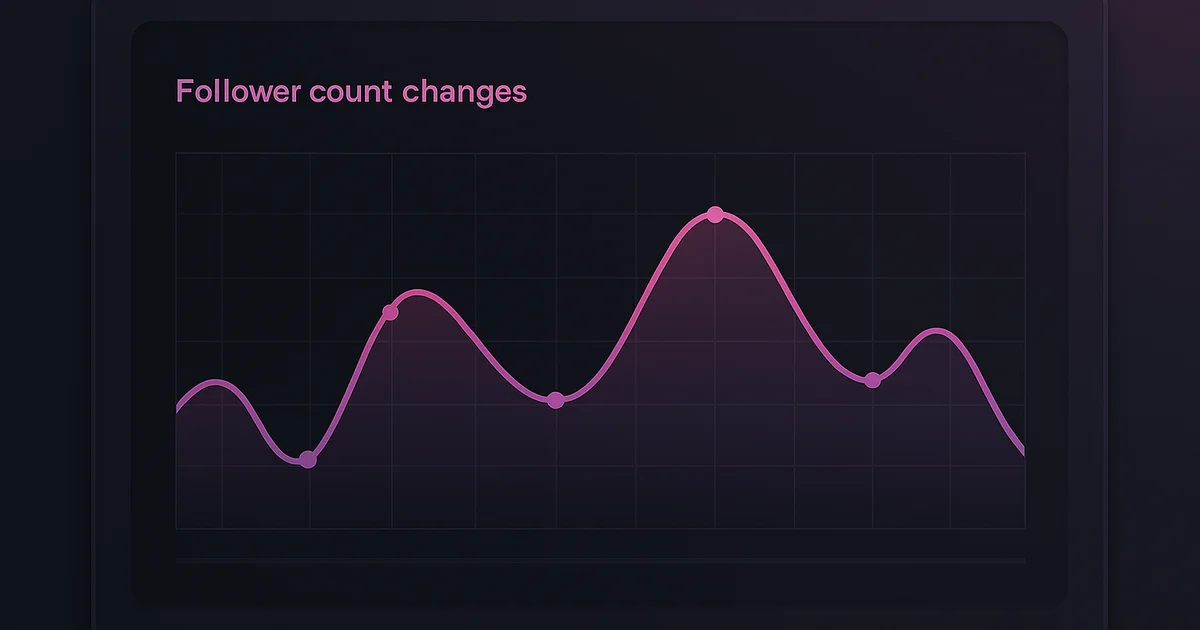
Instagram keeps follower history only for your own account, only as counts with no names, and only for a rolling window. For anybody else's public account there is no history at all, just today's number. A real timeline means something recording the count and the names on a schedule, which is what separates every method below from a single snapshot.
Why Track Followers Over Time?
A follower count at any given moment tells you almost nothing useful. But follower changes over time reveal:
- Growth trends — Is the account growing, stagnating, or declining?
- Spike analysis — What caused sudden follower gains or losses?
- Content impact — Which posts or campaigns drove the most follows?
- Competitor intelligence — How fast are competitors growing compared to you?
- Engagement quality — Are new followers engaging or just ghost accounts?
Method 1: Instagram Insights (Free, Your Own Account Only)
How to Access
Available for Business and Creator accounts:
- Go to your profile
- Tap Professional Dashboard or Insights
- Navigate to Total Followers
- View growth charts for 7, 14, 30, or 90 days
What It Shows
- Daily follower count changes (gains and losses)
- Net follower change over the selected period
- Follower demographics (age, gender, location, active hours)
- Top cities and countries
Limitations
- Only available for your OWN account
- Maximum 90-day lookback
- Cannot track specific follows/unfollows (only aggregate numbers)
- Requires Business or Creator account type
Try Lurk free
See who anyone just followed, instantly, anonymously.
Method 2: Lurk (Real-Time, Any Public Account)
Lurk offers something Instagram Insights cannot — tracking follows and unfollows for accounts that are not yours.
How It Works
- Enter any public username at getlurk.app/username
- See recent follow activity immediately
- Set up monitoring for ongoing tracking
- Receive push notifications for every new follow and unfollow
What It Shows
- Specific accounts followed and unfollowed (not just numbers)
- Timestamps for each follow/unfollow event
- Real-time notifications when changes happen
- Historical activity from the moment you start monitoring
Best For
- Monitoring competitors' following activity
- Tracking any public account's follow behavior
- Relationship monitoring (see our dedicated guide)
- Influencer research and due diligence
Method 3: Social Blade (Free, Aggregate Data)
Social Blade has tracked Instagram statistics for years, offering free follower count history.
What It Shows
- Daily follower count snapshots
- Following count changes
- Estimated engagement rate
- Grade and ranking compared to similar accounts
Limitations
- Only shows aggregate numbers (total follower count), not who specifically followed/unfollowed
- Data can have gaps
- No push notifications
- Limited to accounts Social Blade has indexed
Best For
- Long-term trend analysis over months or years
- Comparing multiple accounts' growth rates
- Getting a rough picture of an account's trajectory
Method 4: Manual Spreadsheet Tracking (Free, Tedious)
For small-scale tracking without any tools:
- Visit the account's profile once per day
- Record the follower count, following count, and post count in a spreadsheet
- Calculate daily changes
- Create charts from the data over time
Limitations
- Extremely time-consuming
- Easy to forget or miss days
- Cannot identify specific follows/unfollows
- No automated alerts
Best For
- Tracking a very small number of accounts when no budget is available
Method 5: HypeAuditor / Modash (Paid, Professional)
Enterprise-grade tools designed for influencer marketing:
What They Show
- Detailed follower growth analytics
- Audience quality scoring (real vs. fake followers)
- Engagement rate trends
- Competitor benchmarking
- Audience overlap analysis
Limitations
- Expensive (hundreds of dollars per month)
- Designed for marketing agencies, overkill for personal use
- Cannot track specific follow/unfollow events in real time
Best For
- Marketing agencies evaluating influencers
- Brands doing competitor analysis at scale
Comparing the Methods
| Method | Cost | Your Account | Others' Accounts | Specific Follows | Real-Time Alerts |
|---|---|---|---|---|---|
| Instagram Insights | Free | Yes | No | No | No |
| Lurk | Free trial + Premium | N/A | Yes (public) | Yes | Yes |
| Social Blade | Free | Yes | Yes | No | No |
| Manual Tracking | Free | Yes | Yes | No | No |
| HypeAuditor | $$$ | Yes | Yes | No | No |
Setting Up Effective Long-Term Tracking
For Your Own Account
- Ensure you have a Business or Creator account for Instagram Insights
- Check Insights weekly and screenshot or note key metrics
- Use Social Blade for a longer historical view
- Track content performance alongside follower changes to identify what drives growth
For Other Accounts
- Start with a free check at getlurk.app/username to see current activity
- Set up ongoing monitoring with the Lurk app for real-time alerts
- Use Social Blade alongside Lurk for aggregate trend data
- Review patterns weekly — individual follows matter less than trends
For Competitor Analysis
- Identify 3-5 key competitors
- Monitor each with Lurk to see who they follow and who follows them
- Use Social Blade to compare growth rates
- Note when competitors' followers spike — then check what content they posted
Key Metrics to Track
Beyond raw follower count, monitor these metrics over time:
- Net follower change — Gains minus losses per day/week
- Follow/unfollow ratio — How many of their new follows result in unfollows later (indicates follow/unfollow strategy use — see our follow/unfollow explainer)
- Following count trend — Are they following more accounts over time or pruning their list?
- Engagement rate vs. follower growth — Growing followers with declining engagement suggests low-quality growth
The Bottom Line
Tracking Instagram followers over time is essential for anyone serious about understanding account growth — their own or others'. For aggregate data, Instagram Insights and Social Blade are solid free options. For specific follow/unfollow tracking of any public account, Lurk is the most capable tool available. For a complete list of options, see our best follower tracker apps roundup.
Ready to try Lurk?
See who anyone just followed on Instagram, 100% anonymous, no login required.
Instagram never tells them their following list was viewed.


Keep reading
DolphinRadar Review 2026: Is It Legit? I Paid and Tracked 3 Accounts for a Month
Is DolphinRadar legit or a scam? We paid, tracked three real accounts for four weeks, and compared it to four rivals. It is real, but the no-app, dashboard-only design is why I did not keep it. Full 2026 review.
Best Free Instagram Follower Tracker Apps 2026
Track Instagram followers and follows for free. See who someone followed, who unfollowed them, and get real-time alerts. No login required.
Instagram Follow Tracker: Free Options in 2026 (Honest Review)
Looking for a free Instagram follow tracker? We compare every free and freemium option available in 2026 so you can pick the right one.
Compare the best Instagram tools (2026)
Independent, regularly-updated rankings, plus the original follow-behavior dataset.
- Best Apps to See Who Someone Recently Followed on Instagram (2026)
- Best Anonymous Instagram Story Viewers (2026)
- Best Instagram Follow Trackers (2026)
- How to See Who Someone Unfollowed on Instagram (2026)
- Best The Ick Alternatives in 2026 (Free & Cheaper Options)
- Best Free Instagram Story Viewers (Anonymous, No Login), 2026
- Best Snoopreport Alternatives in 2026 (Cheaper & Cross-Platform)
- Best DolphinRadar Alternatives in 2026 (With Mobile Apps)
- Best Katch Alternatives in 2026 (Cheaper, With an iPhone App)
- Best Instagram Activity Trackers (2026)
- The Best Way to See Who Someone Unfollowed on Instagram (2026)
- Best Free Instagram Follower Trackers (2026, Honest Guide)
- Best Apps to Track a Specific Instagram Account (2026)
- Best Anonymous Instagram Follower Trackers (2026)
- The Lurk Instagram Follow Index (original data)
- All Instagram tool roundups →
See who any account recently followed
Track any Instagram account and see exactly who they recently followed, anonymously and with no login.
Keep exploring
More free Instagram tools, live data, and answers from Lurk.
- HubInstagram questions & answersStraight answers to the questions people ask most about Instagram.
- HubInstagram terms glossaryPlain definitions for Instagram tracking and privacy terms.
- HubFree Instagram toolsEvery free Lurk tool in one place: viewers, trackers, and checks.
- Live dataThe Instagram Follow IndexLive aggregate data on how people follow and unfollow on Instagram.
- CompareCompare follow trackersLurk vs The Ick, Snoopreport, and Katch, side by side.
- Free toolAnonymous Instagram profile viewerSee any public Instagram profile without them ever knowing it was you.