How to Hide Activity Bubbles on Instagram (Likes, Reposts, Comments) in 2026
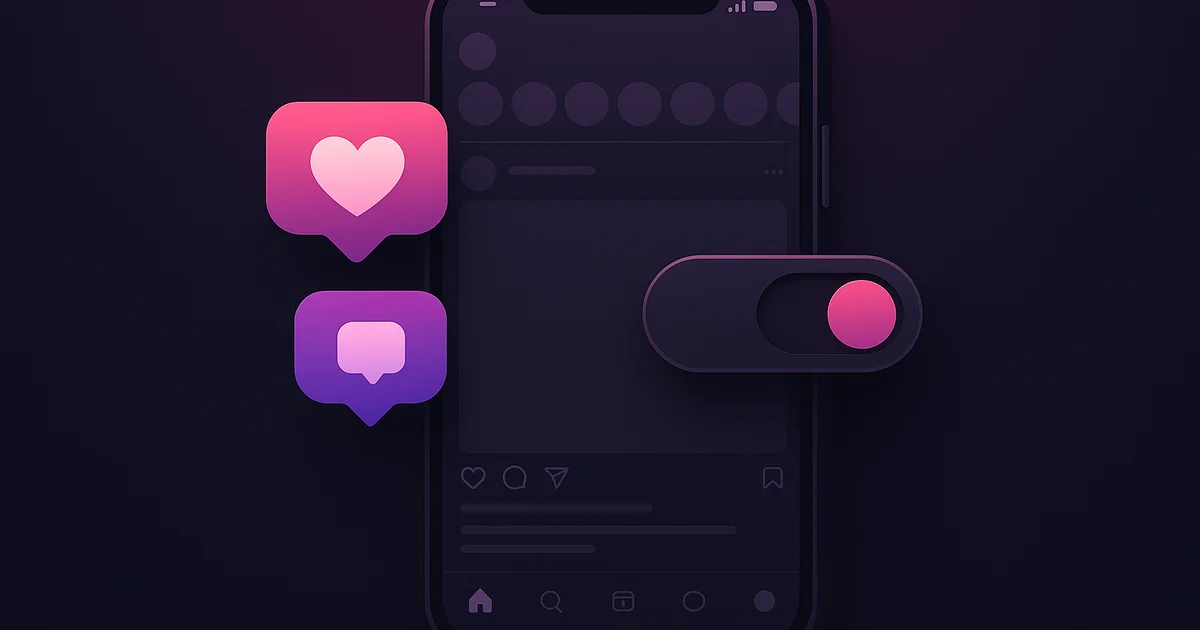
Instagram now lets you hide the floating activity bubbles that show likes, reposts, and comments while you scroll through your feed. The feature was rolled out this week and can be toggled on or off in your Instagram settings under Content Preferences.
What Are Instagram Activity Bubbles?
Activity bubbles are the small floating notifications that appear while you scroll through Instagram. They show real-time social proof, such as:
- "Liked by @username and 4,203 others"
- Floating heart animations when content receives likes in real time
- Comment count bubbles that update as you view a post
- Repost indicators showing who shared a piece of content
Instagram introduced these animated bubbles as a way to make the feed feel more dynamic and social. However, many users find them distracting, and some feel they contribute to unhealthy comparison behavior.
How to Hide Activity Bubbles on Instagram
Here is how to turn off activity bubbles in the March 2026 update:
- Open Instagram and go to your profile
- Tap the menu icon (three horizontal lines) in the top right
- Select Settings and privacy
- Scroll down to Content preferences
- Tap Activity display
- Toggle off Show activity bubbles in feed
- Optionally toggle off Show activity bubbles in Reels
- Optionally toggle off Show activity bubbles in Explore
Each section can be controlled independently. You might want to hide bubbles in your main feed but keep them in Explore, or vice versa.
Try Lurk free
See who anyone just followed, instantly, anonymously.
Why Instagram Added This Option
Instagram has been under increasing pressure to give users more control over their experience. The activity bubbles feature, while designed to increase engagement, received significant criticism:
- Mental health concerns: Seeing real-time like counts while scrolling can trigger comparison anxiety
- Distraction: The floating animations pull attention away from the content itself
- Privacy awareness: Some users felt uncomfortable seeing real-time activity from people they follow
This follows Instagram's earlier move to let users hide like counts on their own posts, which launched in 2021. The activity bubble toggle extends this philosophy to the browsing experience.
What Hiding Activity Bubbles Does and Does Not Do
What It Does
- Removes floating animations while you scroll
- Hides real-time like count updates on posts in your feed
- Removes comment count popups
- Hides repost indicators in the feed view
- Creates a cleaner, less cluttered scrolling experience
What It Does NOT Do
- Does not hide your own activity from others
- Does not affect what appears when you tap on a specific post
- Does not hide the static like and comment counts shown below posts
- Does not affect DM read receipts or online status indicators
- Does not make your profile activity invisible to tracking tools
Activity Bubbles vs. Activity Tracking
It is important to understand the difference between activity bubbles (a visual UI element) and actual activity tracking.
Hiding activity bubbles only changes what you see while scrolling. It does not change what others can see about your activity. Your follows, unfollows, likes on public posts, and comments remain visible to anyone who looks.
If you want to understand what activity is actually trackable on Instagram, read our guide on what you can see about someone's Instagram activity. For tracking public accounts, tools like Lurk monitor follow and unfollow activity regardless of whether anyone has activity bubbles enabled or disabled.
How This Affects Creators and Brands
For creators, the activity bubble toggle means some of your audience will no longer see real-time social proof while scrolling past your content. This could slightly reduce the "bandwagon effect" where people engage with content partly because they see others engaging.
However, the impact is likely small. The core engagement metrics (likes, comments, saves, shares) are still visible when someone taps on your post. The change primarily affects the passive scrolling experience.
Should You Turn Off Activity Bubbles?
Consider turning off activity bubbles if:
- You find yourself comparing your posts' engagement to others'
- The animations distract you from the content
- You want a calmer, more focused Instagram experience
- You spend significant time scrolling and want to reduce stimulation
Consider keeping them on if:
- You enjoy the social aspect of seeing real-time engagement
- You use Instagram primarily for discovery and want social signals to guide you
- You are a creator who values understanding what content is performing well in real time
Related Privacy Settings to Review
While you are adjusting activity bubbles, consider reviewing these related settings:
- Activity status: Controls whether others see when you are online
- Read receipts: Controls whether others see when you read their DMs
- Like counts: Controls whether like counts appear on your own posts
- Following list order: Your following list is randomly sorted, but changes are still trackable
For a deeper look at Instagram privacy settings, check out our post on Instagram restrict versus block and our guide to Instagram privacy features.
The Bottom Line
The ability to hide activity bubbles is a welcome addition to Instagram's growing suite of user control features. It does not change your actual activity or privacy on the platform, but it does give you more control over your scrolling experience. Whether you turn it on or off, understanding what information is and is not visible on Instagram is important for managing your digital presence.
Ready to try Lurk?
See who anyone just followed on Instagram, 100% anonymous, no login required.
Instagram never tells them their following list was viewed.


Keep reading
I Tested 5 Instagram Activity Trackers for 4 Weeks (2026 Honest Comparison)
We ran five Instagram trackers on three public accounts for four weeks. Lurk led on anonymity, no-login and price. Full comparison table, real prices, and what actually works in 2026.
How to Track Your Boyfriend's Instagram Activity (Anonymously, in 2026)
A practical, sensitive guide to tracking your boyfriend's Instagram follows and Story activity — anonymously, without him ever knowing.
Best Instagram Activity Tracker Apps in 2026: The Definitive Roundup
We tested every Instagram activity tracker app in 2026. Here's which ones actually work, which are scams, and which is worth your money.
Compare the best Instagram tools (2026)
Independent, regularly-updated rankings, plus the original follow-behavior dataset.
- Best Apps to See Who Someone Recently Followed on Instagram (2026)
- Best Anonymous Instagram Story Viewers (2026)
- Best Instagram Follow Trackers (2026)
- How to See Who Someone Unfollowed on Instagram (2026)
- Best The Ick Alternatives in 2026 (Free & Cheaper Options)
- Best Free Instagram Story Viewers (Anonymous, No Login), 2026
- Best Snoopreport Alternatives in 2026 (Cheaper & Cross-Platform)
- Best DolphinRadar Alternatives in 2026 (With Mobile Apps)
- Best Katch Alternatives in 2026 (Cheaper, With an iPhone App)
- Best Instagram Activity Trackers (2026)
- The Best Way to See Who Someone Unfollowed on Instagram (2026)
- Best Free Instagram Follower Trackers (2026, Honest Guide)
- Best Apps to Track a Specific Instagram Account (2026)
- Best Anonymous Instagram Follower Trackers (2026)
- The Lurk Instagram Follow Index (original data)
- All Instagram tool roundups →
See who any account recently followed
Track any Instagram account and see exactly who they recently followed, anonymously and with no login.
- @o.giovani_marcon@o.giovani_marcon
- @evaegils@evaegils
- @wesam.ticket@wesam.ticket
- @lilyphillip_s@lilyphillip_s
- @blueberry_fit_nes@blueberry_fit_nes
- @sadsatan.aka.nagato@sadsatan.aka.nagato
- @ilaydak.ozturk@ilaydak.ozturk
- @_catarinalins@_catarinalins
- @mobin._.omrani68@mobin._.omrani68
- @dewram_samaraweera@dewram_samaraweera
- @thedistrictsfanpage@thedistrictsfanpage
- @karlamart1nez@karlamart1nez
Keep exploring
More free Instagram tools, live data, and answers from Lurk.
- HubInstagram questions & answersStraight answers to the questions people ask most about Instagram.
- HubInstagram terms glossaryPlain definitions for Instagram tracking and privacy terms.
- HubFree Instagram toolsEvery free Lurk tool in one place: viewers, trackers, and checks.
- Live dataThe Instagram Follow IndexLive aggregate data on how people follow and unfollow on Instagram.
- CompareCompare follow trackersLurk vs The Ick, Snoopreport, and Katch, side by side.
- Free toolAnonymous Instagram profile viewerSee any public Instagram profile without them ever knowing it was you.